17
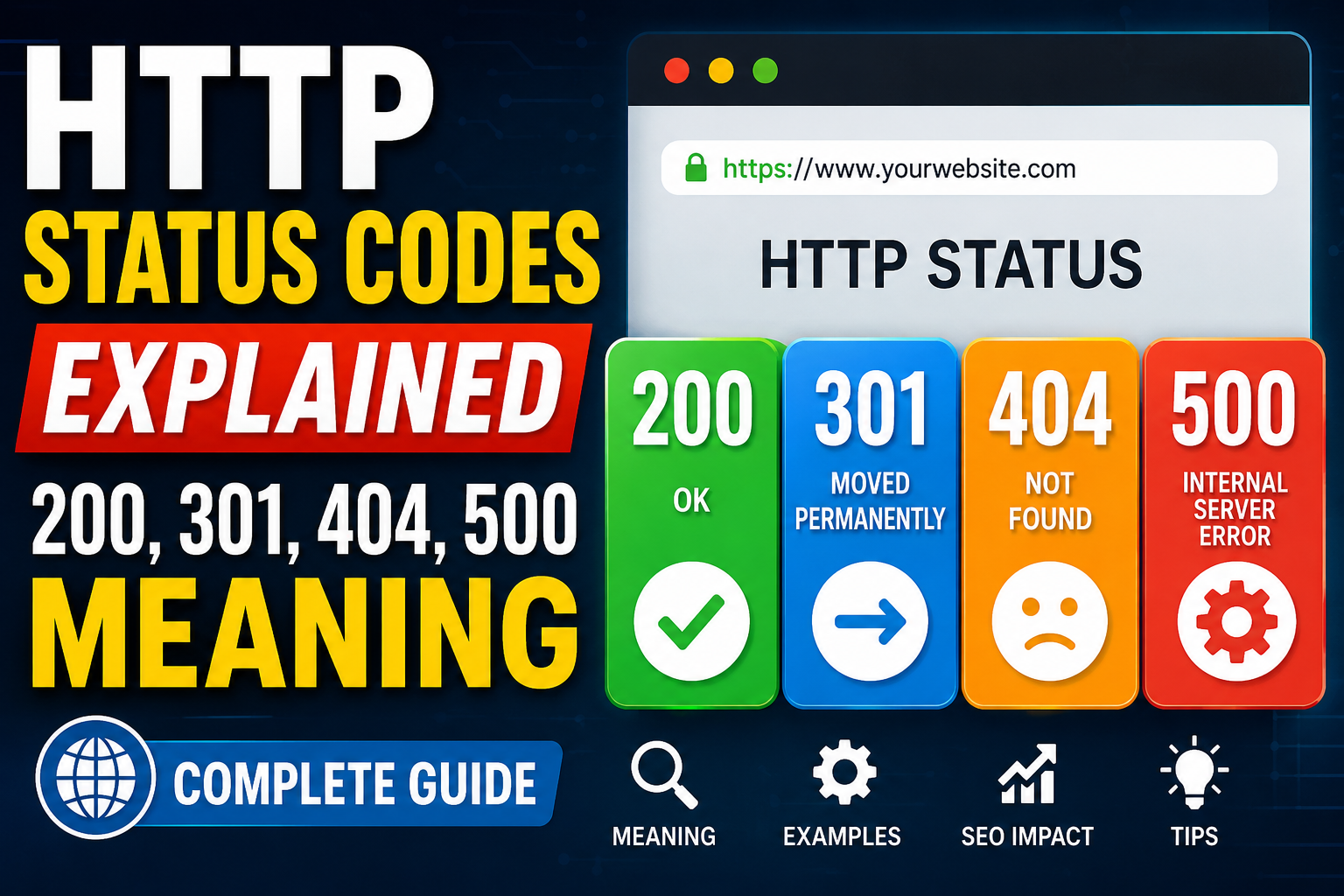
HTTP Status Codes Explained: 200, 301, 404, 500 Meaning
Learn what HTTP status codes mean, including 200 OK, 301 redirects, 404 Not Found, and 500 Internal Server Error, along with their importance for website performance, troubleshooting, and SEO.
HTTP status codes are an important part of how websites and web servers communicate with browsers, search engines, APIs, and other online services. Whenever you open a webpage, submit a form, download a file, or request information from a website, the browser sends an HTTP request to the server. The server then responds with a status code that tells the browser whether the request was successful, redirected, unsuccessful, or affected by a server-side problem.
Understanding HTTP status codes is especially important for website owners, developers, SEO professionals, bloggers, and digital marketers. A single incorrect status code can affect user experience, website crawling, indexing, traffic, and search engine rankings.
Among the hundreds of HTTP response codes, some of the most commonly encountered are 200, 301, 302, 400, 401, 403, 404, 500, 502, and 503. In this guide, we will explain what HTTP status codes mean, how they work, and why the most important codes matter for websites and SEO.
What Are HTTP Status Codes?
HTTP stands for Hypertext Transfer Protocol. It is the communication protocol used when browsers and servers exchange information on the web.
When you enter a URL into your browser, the browser sends a request to the website's server. The server processes that request and sends back a response. This response normally contains an HTTP status code.
For example, if you visit a page that exists and loads correctly, the server may return:
200 OK
If a page has permanently moved to another URL, the server may return:
301 Moved Permanently
If the requested page does not exist, the server may return:
404 Not Found
If something goes wrong on the server, you may see:
500 Internal Server Error
These numbers provide information about what happened to the request.
HTTP Status Code Categories
HTTP status codes are generally divided into five major categories based on their first digit.
1xx – Informational Responses
Codes beginning with 1 are informational. They indicate that the server has received the request and is continuing to process it.
These codes are less commonly noticed by regular website visitors.
2xx – Successful Responses
Codes beginning with 2 indicate that the request was successfully received, understood, and processed.
The most famous example is:
200 OK
3xx – Redirection Responses
Codes beginning with 3 indicate that the requested resource has moved or that additional action is required.
Common examples include:
301 Moved Permanently
and
302 Found
4xx – Client Errors
Codes beginning with 4 generally indicate that there is a problem with the request from the client side.
Common examples include:
400 Bad Request
401 Unauthorized
403 Forbidden
404 Not Found
5xx – Server Errors
Codes beginning with 5 indicate that the server encountered an error while attempting to fulfill a valid request.
Common examples include:
500 Internal Server Error
502 Bad Gateway
503 Service Unavailable
Now let's look at the most important HTTP status codes in detail.
What Does HTTP 200 Mean?
HTTP 200 OK means that the server successfully processed the request.
When you visit a normal webpage and everything works correctly, the server will usually return a 200 status code.
For example, suppose you visit:
https://example.com/about
If the page exists, loads properly, and the server successfully delivers the content, the response can be:
200 OK
This tells the browser that the request was successful.
Why Is 200 Important for SEO?
A 200 status code is generally the desired response for a normal, indexable webpage. Search engine crawlers can access the page and read its content.
However, a 200 status code alone does not guarantee that Google or another search engine will index the page. Other factors such as content quality, canonical tags, robots directives, duplicate content, internal links, and overall website quality also matter.
Example
Imagine your website has a blog post called:
"Best Ways to Improve Website Speed"
If users can access the article normally and the server returns 200, the page is functioning correctly.
In simple terms:
200 = The page is available and the request was successful.
What Does HTTP 301 Mean?
HTTP 301 Moved Permanently means that a URL has permanently moved to another location.
A 301 redirect tells browsers and search engines that the old URL should be replaced by the new URL.
For example:
Old URL:
https://example.com/old-page
New URL:
https://example.com/new-page
The server can respond to the old URL with:
301 Moved Permanently
The browser can then request the new URL.
When Should You Use a 301 Redirect?
A 301 redirect can be useful in many situations.
You may use it when:
- You permanently change a page URL.
- You migrate from HTTP to HTTPS.
- You change your domain name.
- You remove an old page and replace it with another relevant page.
- You restructure website URLs.
- You consolidate duplicate pages.
- You want an old URL to point permanently to a new URL.
301 Redirect and SEO
301 redirects are particularly important for SEO because they can help search engines understand that the old URL has permanently moved.
When properly implemented, a 301 can help preserve relevant signals associated with the old URL and transfer users and crawlers to the new destination.
However, redirecting every deleted page to the homepage is generally not a good strategy. Redirects should normally point to the most relevant replacement page.
Example
Suppose you previously had:
example.com/seo-tips
and you permanently replaced it with:
example.com/seo-guide
A 301 redirect from the old URL to the new URL helps users and search engines reach the correct content.
In simple terms:
301 = The page has permanently moved to a new URL.
What Does HTTP 302 Mean?
HTTP 302 Found is a temporary redirection status.
It tells the browser that the requested resource is temporarily available at another URL.
For example:
example.com/sale
may temporarily redirect to:
example.com/summer-sale
A 302 indicates that the original URL may be used again in the future.
301 vs 302
The difference is simple:
301 = Permanent redirect
302 = Temporary redirect
Choosing the correct redirect is important. If a URL has permanently moved, a 301 is normally more appropriate. If the change is genuinely temporary, a 302 can be appropriate.
What Does HTTP 404 Mean?
HTTP 404 Not Found is one of the most recognizable HTTP status codes.
It means that the server could not find the requested resource.
For example, if someone visits:
example.com/this-page-does-not-exist
the server may return:
404 Not Found
This can happen when:
- A URL is typed incorrectly.
- A page has been deleted.
- A URL has changed.
- An old link points to a removed page.
- A visitor follows a broken link.
Are 404 Errors Bad for SEO?
A few 404 pages are not automatically harmful to a website. Websites naturally have URLs that disappear over time.
The problem occurs when a website has a large number of unnecessary 404 errors, especially when important pages are accidentally returning 404 responses.
For example, if a popular product page suddenly returns 404 when the product still has a relevant replacement page, users may have a poor experience and the website may lose valuable traffic.
How to Fix 404 Errors
The appropriate solution depends on the situation.
If the page was permanently moved, use a 301 redirect to the relevant new page.
If the page was intentionally removed and there is no suitable replacement, allowing it to return 404 may be completely appropriate.
You should also regularly check your website for broken internal links.
In simple terms:
404 = The requested page or resource could not be found.
What Does HTTP 400 Mean?
HTTP 400 Bad Request means that the server could not understand or process the request because the request was invalid or malformed.
It can occur because of:
- Incorrect request syntax.
- Invalid parameters.
- Corrupted request information.
- Improperly formatted data.
- Problems with client requests.
For regular website visitors, 400 errors are less common than 404 errors.
In simple terms:
400 = The server cannot properly understand the request.
What Does HTTP 401 Mean?
HTTP 401 Unauthorized means that authentication is required or the supplied authentication credentials are not valid.
For example, a website may require a user to log in before accessing a particular resource.
A 401 response can occur when:
- Login credentials are missing.
- Authentication has failed.
- An access token is invalid.
- Authentication information has expired.
In simple terms:
401 = Authentication is required or failed.
What Does HTTP 403 Mean?
HTTP 403 Forbidden means that the server understood the request but refuses to allow access to the requested resource.
Unlike a 401 error, authentication alone may not solve a 403 error.
Possible causes include:
- Permission restrictions.
- Server configuration.
- Security rules.
- IP restrictions.
- File permissions.
- Website access policies.
In simple terms:
403 = The server understands the request but refuses access.
What Does HTTP 500 Mean?
HTTP 500 Internal Server Error indicates that something went wrong on the website's server.
It is a general server-side error and does not necessarily identify the exact cause.
A 500 error can occur because of:
- Programming errors.
- Server configuration problems.
- Database issues.
- Plugin conflicts.
- Application crashes.
- Resource limitations.
- Incorrect server settings.
- Problems with website code.
When visitors encounter a 500 error, they may see a message such as:
500 Internal Server Error
Why Is HTTP 500 Important?
A temporary 500 error may not be a major issue if it is resolved quickly. However, frequent or prolonged 500 errors can seriously affect user experience.
Search engine crawlers may also have difficulty accessing pages when a website repeatedly returns server errors.
Website owners should investigate recurring 500 errors as quickly as possible.
In simple terms:
500 = Something went wrong on the server.
What Does HTTP 502 Mean?
HTTP 502 Bad Gateway occurs when a server acting as a gateway or proxy receives an invalid response from another upstream server.
This is common in websites that use multiple server components, reverse proxies, content delivery networks, or application servers.
Possible causes include:
- Upstream server failure.
- Network problems.
- Server overload.
- Proxy configuration issues.
- Application crashes.
In simple terms:
502 = One server received an invalid response from another server.
What Does HTTP 503 Mean?
HTTP 503 Service Unavailable means that the server is currently unable to handle the request.
It may happen when:
- The server is overloaded.
- The website is undergoing maintenance.
- A service is temporarily unavailable.
- Server resources are exhausted.
A 503 response is often used when the problem is expected to be temporary.
For example, if you intentionally take your website offline for maintenance, a properly configured 503 response can communicate that the downtime is temporary.
In simple terms:
503 = The service is temporarily unavailable.
HTTP 200 vs 301 vs 404 vs 500
These four status codes are among the most important for website owners.
Status CodeMeaningCommon Situation
200 | OK | Page loads successfully
301 | Moved Permanently | Page permanently moved
404 | Not Found | Page does not exist
500 | Internal Server Error | Server-side problem
Understanding these differences makes website troubleshooting much easier.
Why HTTP Status Codes Matter for SEO
HTTP status codes can influence how search engines crawl and understand your website.
Search engine crawlers use HTTP responses to determine what they should do with URLs.
For example:
A 200 response generally indicates that content is available.
A 301 indicates that a URL has permanently moved.
A 404 indicates that the requested resource cannot be found.
A 5xx response indicates a server problem.
Incorrect status codes can therefore create crawling and indexing problems.
For example, if a working webpage accidentally returns 404, search engines may not be able to access its content correctly. Similarly, incorrect redirects can send users and crawlers to irrelevant pages.
How to Check HTTP Status Codes
You can check HTTP status codes using various online tools, browser developer tools, command-line utilities, and SEO crawling software.
A website status checker can be particularly useful for quickly determining whether a URL is responding correctly.
A typical HTTP status checker may show:
- URL status.
- HTTP status code.
- Response time.
- Redirect information.
- Server information.
- Final destination URL.
For website owners, regularly checking important URLs can help identify broken pages, redirect problems, and server errors.
HTTP Status Codes and Website Troubleshooting
When troubleshooting a website, the status code can provide the first clue about what is happening.
If you see 200, the requested resource is responding successfully.
If you see 301, check whether the redirect is intentional and whether it points to the correct destination.
If you see 404, determine whether the page should exist, should be redirected, or should remain unavailable.
If you see 500, investigate the server, application, database, plugins, or website code.
If you see 502 or 503, check server availability, upstream services, hosting resources, and temporary outages.
Understanding the status code can save significant time when diagnosing website problems.
Common HTTP Status Code Mistakes
One common mistake is using a 301 redirect when a temporary 302 redirect is more appropriate.
Another mistake is redirecting every 404 URL to the homepage. This can create a poor user experience because visitors may not receive content relevant to what they originally requested.
Website owners should also avoid ignoring repeated 500 errors. A website that frequently experiences server errors can lose visitors and potentially experience crawling problems.
Another important practice is checking redirect chains. For example:
Old URL → URL 2 → URL 3 → Final Page
This is less efficient than:
Old URL → Final Page
Keeping redirects simple can improve website maintenance and performance.
Frequently Asked Questions
What does HTTP 200 mean?
HTTP 200 means that the server successfully processed the request and returned the requested resource.
What does HTTP 301 mean?
HTTP 301 means that a resource has permanently moved to another URL.
What does HTTP 404 mean?
HTTP 404 means that the requested page or resource could not be found.
What does HTTP 500 mean?
HTTP 500 means that the server encountered an unexpected internal problem while processing the request.
Is a 404 error always bad?
No. A 404 is not automatically harmful. It is normal for some pages to be removed. Problems arise when important pages incorrectly return 404 or when a website contains many broken internal links.
Which is better: 301 or 302?
Neither is universally better. A 301 should generally be used for a permanent move, while a 302 is intended for a temporary redirect.
Can HTTP status codes affect SEO?
Yes. Status codes help search engines understand whether content is available, redirected, missing, or experiencing server problems. Incorrect responses can contribute to crawling and indexing issues.
Conclusion
HTTP status codes are an essential part of how the internet works. They tell browsers, search engines, and other clients what happened after a request was sent to a server.
The most important codes to remember are:
200 – OK: The request was successful.
301 – Moved Permanently: The URL has permanently moved.
302 – Found: The resource is temporarily available at another URL.
404 – Not Found: The requested resource could not be found.
500 – Internal Server Error: Something went wrong on the server.
502 – Bad Gateway: A server received an invalid response from another server.
503 – Service Unavailable: The server is temporarily unable to handle the request.
For website owners and SEO professionals, understanding these codes makes it easier to identify broken pages, configure redirects, troubleshoot server problems, and maintain a healthy website.
If you regularly monitor important URLs and fix incorrect HTTP responses quickly, you can provide a better experience for visitors while making it easier for search engines to crawl and understand your website.
Contact
Missing something?
Feel free to request missing tools or give some feedback using our contact form.
Contact Us