17
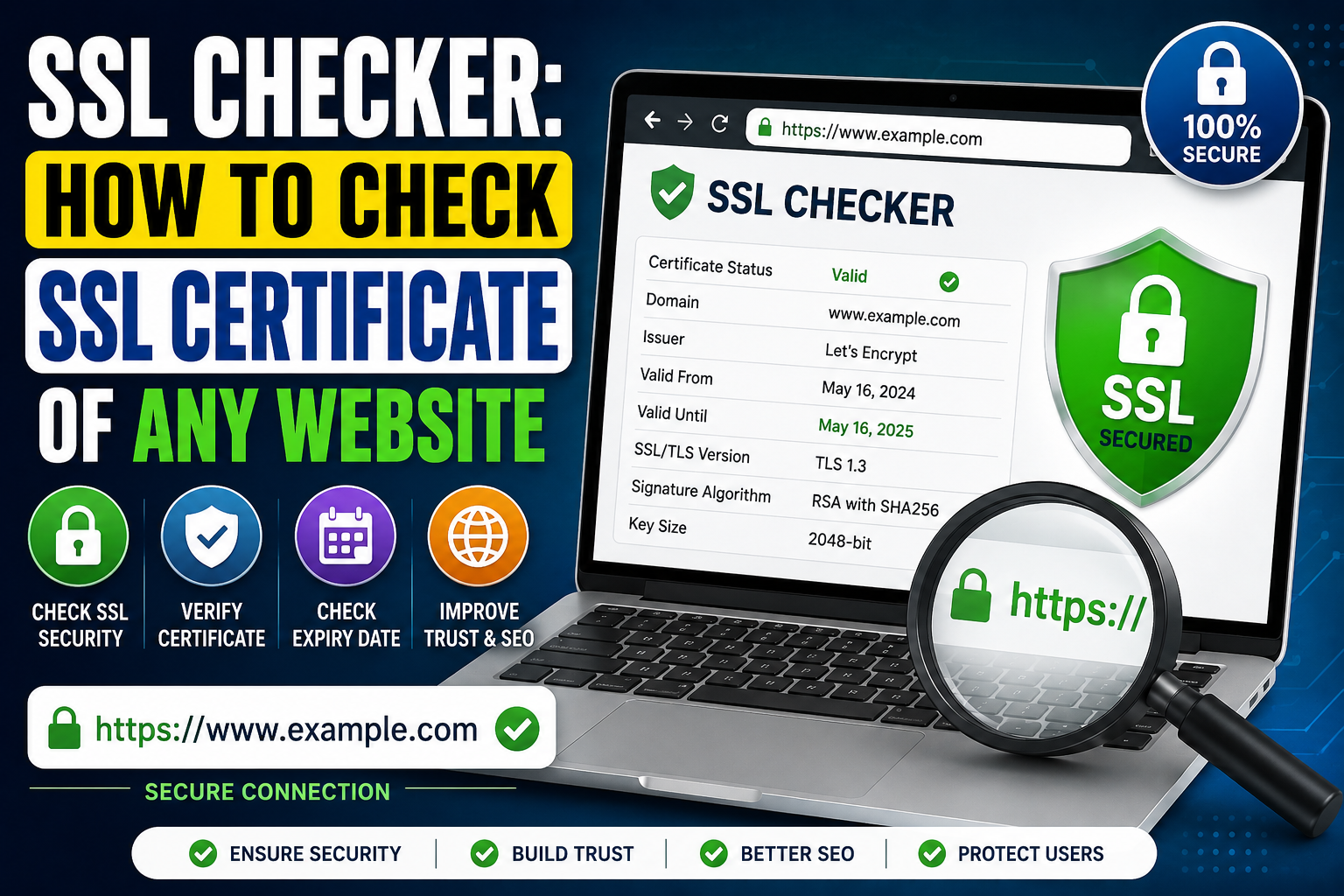
SSL Checker: How to Check SSL Certificate of Any Website
Learn how to use an SSL Checker to verify the SSL/TLS certificate of any website. This guide explains certificate validity, expiration dates, issuers, domain mismatches, mixed content, HTTPS, common SSL errors, certificate types, SEO impact, and best practices for maintaining a secure website.
An SSL certificate is one of the most important security components of a modern website. Whenever you visit a website using HTTPS, your browser checks whether the website has a valid SSL/TLS certificate. This certificate helps establish an encrypted connection between the visitor's browser and the website server.
For website owners, developers, SEO professionals, and online businesses, regularly checking an SSL certificate is important. An expired, invalid, incorrectly configured, or mismatched certificate can cause browser warnings, security problems, loss of visitor trust, and potential SEO and business issues.
An SSL Checker makes this process easier. Instead of manually inspecting technical certificate information, you can enter a website URL or domain and check important details such as certificate validity, expiration date, issuer, domain name, and certificate status.
In this guide, we will explain what an SSL certificate is, what an SSL Checker does, how to check an SSL certificate, common SSL errors, and best practices for maintaining a secure HTTPS website.
What Is an SSL Certificate?
SSL stands for Secure Sockets Layer. Although modern websites technically use TLS (Transport Layer Security), the term SSL certificate is still widely used.
An SSL/TLS certificate helps authenticate a website and enables encrypted communication between a user's browser and the website server.
For example, when you visit:
https://example.com
the browser establishes a secure connection with the website.
A valid SSL certificate helps protect information transmitted through that connection, including:
- Login credentials
- Contact form information
- Payment details
- Personal information
- Session data
- Other sensitive information
Without proper HTTPS configuration, information transmitted over an unsecured connection may be vulnerable to interception.
What Is an SSL Checker?
An SSL Checker is an online tool that examines the SSL/TLS certificate installed on a website or domain.
Depending on the tool, an SSL Checker may provide information such as:
- Certificate status
- Certificate issuer
- Domain name
- Valid-from date
- Expiration date
- Remaining validity
- Certificate type
- TLS information
- Certificate chain
- Common Name (CN)
- Subject Alternative Names (SANs)
- SSL configuration problems
For website owners, an SSL Checker provides a quick way to determine whether HTTPS is configured correctly.
Why Is SSL Important for a Website?
SSL is important for security, trust, and website functionality.
1. Encrypts Data
HTTPS encrypts communication between the browser and server.
This is particularly important for websites that handle sensitive information.
For example:
- E-commerce websites
- Banking websites
- Login portals
- Membership websites
- Business websites
- Contact forms
2. Protects User Privacy
HTTPS makes it significantly harder for third parties to read information exchanged between the browser and server during a properly secured connection.
3. Builds User Trust
Modern browsers display security indicators for HTTPS websites. Visitors are more likely to trust a website when it uses a properly configured secure connection.
4. Supports Modern Web Standards
HTTPS is now a standard expectation for modern websites, and many web technologies work best or exclusively over secure connections.
5. Helps SEO
HTTPS is also a lightweight ranking signal used by Google. Although HTTPS alone does not guarantee higher rankings, having a secure website is an important part of maintaining a technically healthy website.
How Does an SSL Certificate Work?
When a user opens an HTTPS website, several steps occur.
First, the browser connects to the website server.
The server presents its SSL/TLS certificate.
The browser checks whether:
- The certificate is trusted
- The certificate is valid
- The certificate has expired
- The certificate matches the requested domain
- The certificate chain can be verified
If the checks are successful, the browser establishes a secure encrypted connection.
Once the secure connection is established, data can be exchanged between the browser and server.
How to Check an SSL Certificate
Checking an SSL certificate with an online SSL Checker is generally simple.
Step 1: Choose the Website
Select the domain you want to inspect.
For example:
example.com
Step 2: Enter the Domain
Enter the website domain into the SSL Checker.
Step 3: Start the Check
Run the SSL certificate test.
The tool connects to the website and retrieves publicly available certificate information.
Step 4: Review the Certificate
Look at important information such as:
- Certificate status
- Issuer
- Expiration date
- Domain coverage
- Certificate chain
- TLS version
- Configuration errors
Step 5: Fix Problems
If the certificate is expired, invalid, mismatched, or incorrectly installed, the website administrator should investigate and correct the configuration.
What Information Does an SSL Checker Show?
Different SSL Checker tools provide different levels of information, but several fields are commonly available.
Certificate Issuer
The issuer is the Certificate Authority (CA) that issued the certificate.
Examples of Certificate Authorities include organizations such as Let's Encrypt, DigiCert, Sectigo, and GlobalSign.
The browser uses trusted Certificate Authorities as part of the process of validating certificates.
Expiration Date
Every SSL certificate has a validity period.
The expiration date tells you when the current certificate stops being valid.
An expired certificate can cause browser security warnings and prevent users from accessing a website normally.
Start Date
The certificate also contains a date from which it is valid.
The certificate is normally expected to be used within its defined validity period.
Common Name
The Common Name, or CN, identifies the primary domain associated with a certificate.
For example:
example.com
Subject Alternative Names
A certificate may cover multiple domains or subdomains using Subject Alternative Names (SANs).
For example, a certificate could potentially cover:
- example.com
- www.example.com
- shop.example.com
The exact domains covered depend on the certificate configuration.
What Is an SSL Certificate Expiration?
SSL certificates are not permanent.
They have a specific validity period and must be renewed before expiration.
When a certificate expires, browsers may display warnings such as:
Your connection is not private
or other certificate-related security messages.
For businesses, an expired certificate can be especially damaging because customers may immediately leave the website.
How to Check SSL Expiration Date
An SSL Checker can quickly show the certificate's expiration date.
For example, the tool may display:
Valid From: January 1, 2026
Valid Until: April 1, 2026
This information helps website administrators determine when renewal is required.
It is a good practice to monitor certificate expiration rather than waiting for users to report a security warning.
Common SSL Certificate Errors
SSL errors can happen for several reasons.
1. Expired Certificate
An expired certificate is one of the most common SSL problems.
Solution: Renew the certificate and make sure the new certificate is correctly installed.
2. Certificate Name Mismatch
A certificate mismatch occurs when the certificate does not cover the domain being accessed.
For example, a certificate issued for:
example.com
may not automatically cover:
anotherdomain.com
Solution: Install a certificate that correctly covers the requested domain.
3. Self-Signed Certificate
A self-signed certificate is signed by the website itself rather than a publicly trusted Certificate Authority.
Self-signed certificates can be appropriate for certain internal development or testing environments, but they can cause browser warnings on public websites.
Solution: For public websites, use a certificate issued by a trusted Certificate Authority.
4. Incomplete Certificate Chain
Sometimes the server has the main certificate installed but fails to provide the required intermediate certificates.
This can cause certificate validation problems in some browsers or devices.
Solution: Install the complete certificate chain according to the Certificate Authority's instructions.
5. Wrong Certificate Installation
A certificate may be valid but incorrectly configured on the server.
Solution: Review the server's TLS configuration and verify that the correct certificate and private key are being used.
6. Mixed Content
Mixed content occurs when an HTTPS page loads some resources over HTTP.
For example:
https://example.com
may load an image from:
http://example.com/image.jpg
This can cause browser warnings or blocked resources.
Solution: Update internal resources so they load through HTTPS.
What Is Mixed Content?
Mixed content is a common problem after moving a website from HTTP to HTTPS.
Imagine a page that loads securely:
https://example.com
but contains an insecure script:
http://example.com/script.js
The main page is HTTPS, but the browser is still being asked to retrieve a resource through HTTP.
Mixed content should be fixed by updating resource URLs to HTTPS.
Check:
- Images
- CSS files
- JavaScript
- Fonts
- Videos
- Embedded content
- API requests
- Internal links
SSL and HTTPS: What Is the Difference?
SSL and HTTPS are related but not identical.
SSL/TLS refers to the security protocol and certificate infrastructure used to secure communication.
HTTPS means HTTP is being transmitted through a secure TLS connection.
In simple terms:
HTTP + TLS = HTTPS
When a website uses HTTPS, it generally has an SSL/TLS certificate configured for the domain.
SSL Certificate Types
SSL/TLS certificates can be categorized in several ways.
Domain Validation Certificate
A Domain Validation (DV) certificate primarily verifies control over the domain.
DV certificates are commonly used for blogs, small businesses, personal websites, and many other websites.
Organization Validation Certificate
An Organization Validation (OV) certificate involves additional organizational verification.
It may be used by organizations that want additional identity information associated with the certificate.
Extended Validation Certificate
Extended Validation (EV) certificates involve a more extensive validation process.
The visible browser treatment of EV certificates has changed over time, so their primary distinction is the validation process rather than a special browser address-bar display.
Single-Domain SSL Certificate
A single-domain certificate is designed to protect one domain name, subject to the exact coverage specified by the certificate.
For example:
example.com
Depending on the certificate, the www version may or may not be included, so always verify the certificate's SANs.
Wildcard SSL Certificate
A wildcard certificate can cover a domain and eligible subdomains.
For example:
*.example.com
may cover:
- shop.example.com
- blog.example.com
- mail.example.com
The exact scope depends on the certificate configuration.
Multi-Domain SSL Certificate
A multi-domain certificate can protect multiple domain names through SAN entries.
For organizations managing multiple domains, this can simplify certificate management.
SSL Certificate and SEO
HTTPS is an important technical component of a modern website.
Search engines want users to have a safe browsing experience, and HTTPS provides encrypted communication.
However, simply installing an SSL certificate does not automatically make a website rank well.
SEO performance also depends on:
- Content quality
- Search intent
- Website speed
- Mobile usability
- Internal linking
- Technical SEO
- Backlinks
- Website architecture
- User experience
HTTPS should therefore be viewed as one part of a broader SEO strategy.
SSL Checker for Website Owners
Website owners should regularly verify that their certificates are working correctly.
Important checks include:
- Certificate expiration
- Domain coverage
- Certificate issuer
- Certificate chain
- HTTPS accessibility
- Redirect configuration
- Mixed content
- TLS configuration
These checks are particularly important after hosting changes or website migrations.
SSL Checker for Developers
Developers can use SSL Checker tools when configuring:
- Apache
- Nginx
- Cloud servers
- CDN services
- Load balancers
- Reverse proxies
- API servers
- E-commerce platforms
After installing or renewing a certificate, testing the domain can confirm that the server is presenting the expected certificate.
SSL Checker for SEO Audits
SEO professionals can include SSL testing as part of a technical website audit.
An audit can check:
- Whether HTTPS works
- Whether HTTP redirects to HTTPS
- Whether the certificate is valid
- Whether the certificate matches the domain
- Whether there are mixed-content problems
- Whether important pages use HTTPS
- Whether internal links use HTTPS
- Whether canonical URLs use HTTPS
- Whether XML sitemaps use HTTPS URLs
This helps ensure that the website uses a consistent secure URL structure.
SSL and Website Redirects
When moving a website from HTTP to HTTPS, the HTTP version should normally redirect to the HTTPS version.
For example:
http://example.com/page
should redirect to:
https://example.com/page
This should be implemented carefully to avoid redirect chains or loops.
An ideal migration should have a simple path:
HTTP URL → HTTPS URL → 200 OK
rather than:
HTTP → HTTP → HTTPS → another HTTPS URL
How to Fix SSL Problems
The solution depends on the specific error.
Renew an Expired Certificate
If the certificate has expired, renew it through your Certificate Authority or hosting provider.
Install the Correct Certificate
Make sure the certificate matches the domain and required subdomains.
Install Intermediate Certificates
If the certificate chain is incomplete, install the appropriate intermediate certificates provided by your Certificate Authority.
Fix Mixed Content
Replace HTTP resource URLs with HTTPS URLs.
Check Server Configuration
Review Apache, Nginx, hosting, CDN, or load-balancer settings to ensure the correct certificate is being served.
Clear Caches
After changing SSL settings, cached configurations may sometimes cause confusing results. Check your CDN and website cache settings where applicable.
SSL Best Practices
Following SSL best practices can help maintain a reliable HTTPS website.
Keep Certificates Updated
Never allow important certificates to expire unexpectedly.
Use HTTPS Everywhere
Once HTTPS is correctly configured, ensure important website resources and URLs consistently use HTTPS.
Redirect HTTP to HTTPS
Configure the preferred HTTP-to-HTTPS redirect correctly.
Monitor Expiration
Use certificate monitoring or reminders to track expiration dates.
Avoid Mixed Content
Make sure resources load through secure URLs.
Keep TLS Configuration Modern
Use secure and currently supported TLS configurations and disable obsolete protocols where appropriate.
Test After Changes
Whenever you renew or replace a certificate, run an SSL check to confirm that the new configuration works correctly.
How Often Should You Check an SSL Certificate?
For important business and e-commerce websites, SSL monitoring should be continuous or automated where possible.
At minimum, check the certificate after:
- Installing a new certificate
- Renewing a certificate
- Changing hosting providers
- Changing CDN configuration
- Migrating servers
- Changing domain names
- Moving from HTTP to HTTPS
- Changing DNS configuration
Automated monitoring is particularly useful because certificate problems can occur outside normal working hours.
Why SSL Monitoring Matters for Businesses
For an online business, HTTPS is more than a technical feature.
A certificate error can immediately affect:
- Customer trust
- Website accessibility
- Online sales
- Lead generation
- Login functionality
- Brand reputation
If visitors see a browser warning before reaching your website, many will leave without continuing.
For e-commerce websites, the consequences can be even more significant because customers need confidence before entering personal or payment information.
SSL Checker vs. SSL Certificate Installation
An SSL Checker and SSL installation serve different purposes.
An SSL Checker tests the existing certificate and configuration.
SSL installation is the process of configuring a certificate on the web server.
For example:
SSL installation: Configure the certificate.
SSL Checker: Verify that the configuration works correctly.
Both are important parts of website security management.
Final Thoughts
An SSL certificate is an essential component of a secure modern website. It helps establish encrypted communication between visitors and servers, supports user trust, and provides the foundation for HTTPS.
An SSL Checker makes it easy to inspect a website's certificate and identify potential problems such as expiration, domain mismatch, incomplete certificate chains, and configuration issues.
Website owners should not wait until visitors see a security warning before checking their certificates. Regular SSL testing, certificate monitoring, HTTPS configuration checks, and mixed-content reviews can help keep a website secure and accessible.
Whether you manage a personal blog, business website, online store, SaaS platform, or large enterprise website, checking your SSL certificate regularly is a simple but important part of maintaining website security and technical health.
A properly configured SSL certificate gives visitors a safer browsing experience and helps ensure that your website is ready for the modern HTTPS web.
Contact
Missing something?
Feel free to request missing tools or give some feedback using our contact form.
Contact Us